CSS Gets Real Functions: The @function Rule
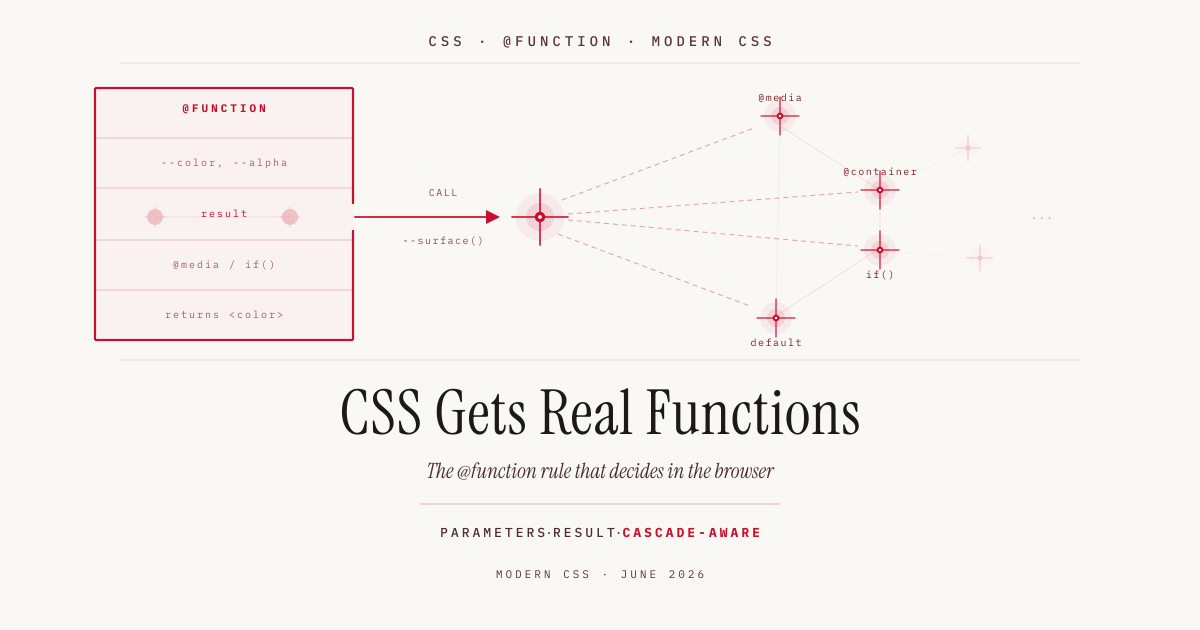
Over the past few years, CSS has rebuilt a good chunk of what Sass offers. First variables through custom properties, then nesting, now functions and eventually mixins. Watch the pace and it is easy to feel that CSS is getting out of hand and turning into a programming language.
The @function rule is the latest step. It lets you define your own functions with parameters, types and a return value. The interesting part, though, is not that CSS can finally do what preprocessors have done for over a decade. The interesting part is that a native CSS function can do something a Sass function fundamentally never could.
Functions in CSS are not new, just native
Sass has had @function for about ten years. You write a function, return a value with @return, call it in the stylesheet, and the compiler resolves the whole thing at build time. In the shipped CSS, nothing of the function is left, only the computed result.
The native version looks similar. A function starts with @function, carries a name with two dashes like a custom property, and returns its value through the result descriptor. Parameters are read in the body with var(), and a default goes after the colon.
@function --space(--steps: 1) {
  result: calc(var(--steps) * var(--space-unit, 0.25rem));
}

.stack {
  gap: --space(4);        /* 1rem   */
}
.card {
  padding: --space(6);    /* 1.5rem */
}
That is a small spacing scale. One step equals 0.25rem, --space(4) yields 1rem, and without a parameter the default 1 applies. Nothing you could not have done before with a custom property or a Sass function. Up to here, the only news is that no build step is needed anymore.
Types make the function safe
Parameters and the return value can be typed. The type goes after the parameter name, the return type after the returns keyword. That improves readability and also catches bad input.
The catch is in the detail. If you say an alpha value must be a <number>, then 0.15 is valid but 30% is not, even though both make sense here. For such cases there is type() with a | between the allowed types.
@function --soft(--color <color>, --alpha type(<number> | <percentage>): 0.15)
  returns <color> {
  result: oklch(from var(--color) l c h / var(--alpha));
}

.menu {
  box-shadow: 0 8px 24px --soft(var(--ink));      /* default 0.15 */
  outline-color: --soft(var(--primary), 30%);     /* percentage allowed */
}
The function takes a color and an alpha value and returns the same color with a changed alpha. Through type(<number> | <percentage>) it accepts both 0.15 and 30%. Pass nothing and the default applies. Without the union type you would have to commit to one notation and lose the other.
The difference that matters: result runs in the browser
This is where native parts ways with Sass. A Sass function is evaluated once at build time and knows nothing about the user’s environment. It does not know whether someone is in dark mode, on a narrow display, in a tight container. It returns a fixed value, done.
A CSS function, by contrast, decides at render time. The function body may contain conditions, such as a media query, and the result depends on what applies at the moment of display.
@function --surface() returns <color> {
  result: oklch(0.98 0 0);                    /* light, default */

  @media (prefers-color-scheme: dark) {
    result: oklch(0.2 0 0);                   /* dark */
  }
}

.panel {
  background-color: --surface();
}
For this to work, result deliberately behaves differently from return in JavaScript. In JavaScript the function exits at the first return it reaches. CSS works through the whole body, and the last matching result wins. In dark mode the media query applies, so the second result overrides the first. That is exactly the logic of the cascade, in which later declarations beat earlier ones, only inside a function.
You can try this live. In the demos below, the classic approach that runs everywhere is on the left, the same logic with @function (which today only works in Chromium) on the right. A badge at the top shows whether your browser supports the rule.
The same pattern carries other runtime decisions. A page gutter may grow wider on large viewports without you maintaining a second selector and a second media query somewhere in the stylesheet.
@function --gutter() returns <length> {
  result: 1rem;

  @media (min-width: 64rem) {
    result: 3rem;
  }
}

.layout {
  padding-inline: --gutter();
}
This is exactly what a preprocessor cannot do. Sass would have to produce a fixed value for each case and ship it through separate selectors. The CSS function hides the decision in one place and reacts live. The same principle applies to container sizes or, once more widely available, to if().
Derive instead of repeat
The second win is less spectacular but more common day to day. Many values are not independent decisions but derivations from other values. A hover color is the base color, a bit darker.
@function --darker(--color <color>, --amount <number>: 0.1) returns <color> {
  result: oklch(from var(--color) calc(l - var(--amount)) c h);
}

.button {
  background-color: var(--primary);
}
.button:hover {
  background-color: --darker(var(--primary));
}
The relative color syntax oklch(from var(--color) ... ) breaks the input color into lightness, chroma and hue. Here everything stays the same, only the lightness drops by the given amount. The default 0.1 applies when you call without a second parameter. The relationship “hover is a bit darker” now lives in one place instead of thirty.
The same idea solves a familiar layout annoyance. When a rounded element sits inside another rounded element, the inner radius should not match the outer one, otherwise the rounding looks off. The right formula is: outer radius minus the gap between the two elements, that is border-radius minus padding.
@function --inner-radius(--radius <length>, --padding <length>) returns <length> {
  result: max(0px, calc(var(--radius) - var(--padding)));
}

.card {
  --card-radius: 1.5rem;
  border-radius: var(--card-radius);
  padding: 1rem;
}
.card > .thumb {
  border-radius: --inner-radius(var(--card-radius), 1rem);   /* 0.5rem */
}
The max(0px, ...) keeps the radius from going negative, since a negative border radius makes no sense. The outer radius is usually a custom property anyway, kept consistent across the page. Only the inner one needs to be computed, because it depends on the padding.
More power, more hidden logic
That leaves the question of whether “out of hand” is a problem. The old division of labor was clear: CSS describes appearance, JavaScript carries logic, and whatever computation was needed a preprocessor handled at build time. The result in the browser was dumb, flat CSS.
@function shifts that line. Logic that used to disappear in the build is now shipped and evaluated in the browser. That is the price of reactivity. A function that reacts to dark mode or container size has to exist at runtime, not just as a frozen result. The upside is real, no build step, no duplicated code for light and dark. So is the downside: values are no longer readable in the stylesheet but the result of an evaluation, and debugging moves into the DevTools. Run grep over your CSS and you find the function call, not the value.
This is not a disaster but a tradeoff you take on knowingly. CSS absorbs logic that always half belonged to it. You just want to know that you are taking it on.
Browser support and production use
Before any production use comes the reality check. The @function rule is part of the CSS Functions and Mixins Module and still young.
| Browser | Status (as of June 2026) |
|---|---|
| Chrome / Edge (Chromium) | supported from Chrome 139 |
| Firefox | not supported |
| Safari | not supported |
MDN explicitly marks the feature as experimental and not Baseline, because it is missing in several widely used browsers. For real projects that means: only with a fallback. The cleanest way is through the cascade. You declare a static value first, the function call below it. If the browser does not understand the function, it discards the second line and uses the first.
.panel {
  background-color: oklch(0.98 0 0);   /* fallback */
  background-color: --surface();        /* with @function */
}
You can check the current state any time on caniuse.
Conclusion
That CSS now has functions is, on its own, a rebuild of what Sass could do long ago. The real novelty is that these functions decide in the browser, not in the build. A function whose result reacts to dark mode or container size is something a preprocessor structurally cannot deliver. That makes @function more than convenience. Until Firefox and Safari catch up, it still belongs behind a fallback. Understand the concept now and you are ready when support arrives.
This article was prompted by a video from Fabian (Coding to Go): CSS is getting out of hand…. Syntax and support details are cross-checked against MDN and the W3C module.
